Hardware
Cleaning Podcatchers
General cleaning
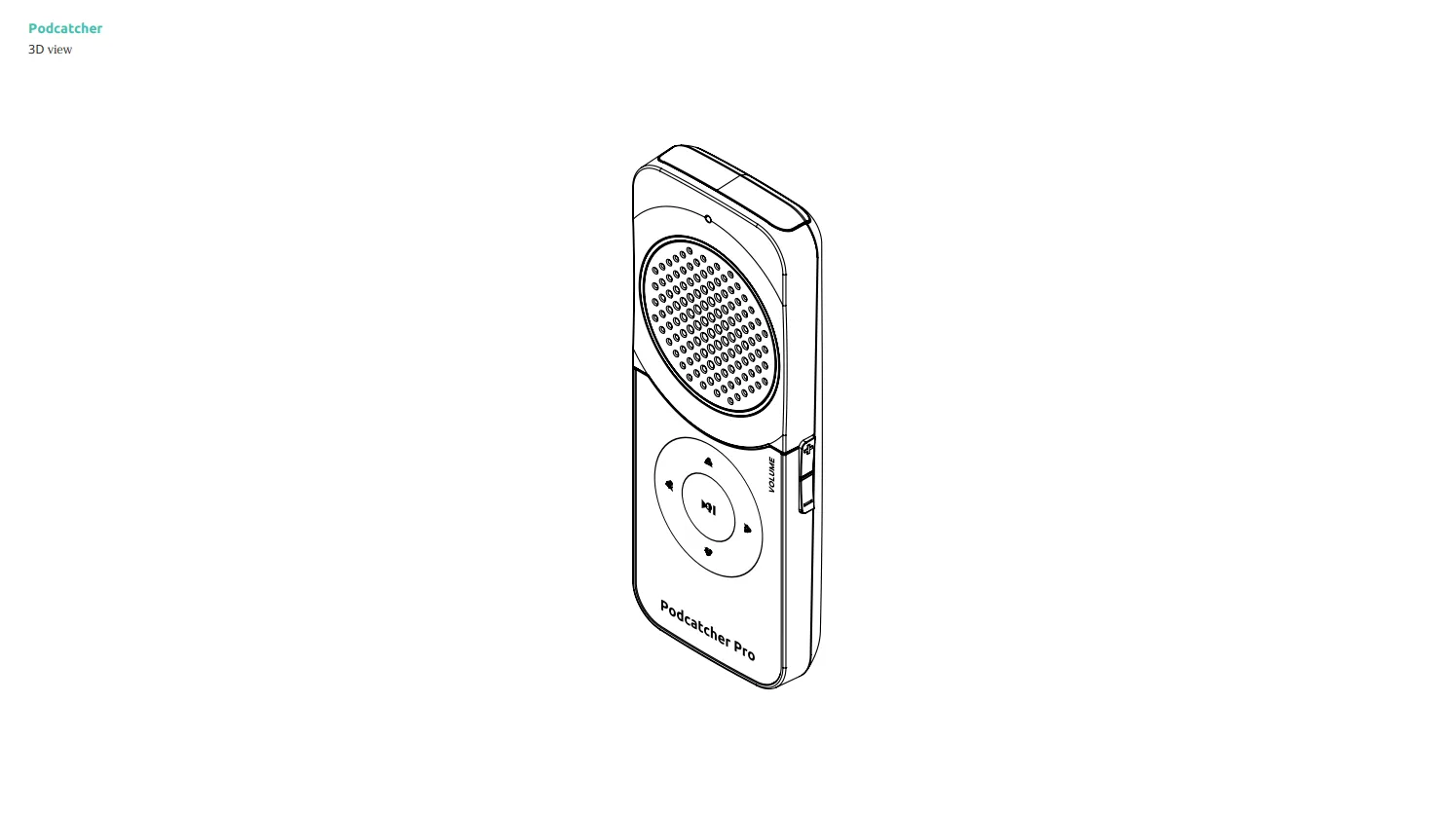
Section titled “General cleaning”Wipe the housing with a slightly damp, soft microfiber cloth; a little mild soap is fine. Wring the cloth out well. Behind the speaker grille sits a mesh that keeps out dust and moisture, but the Podcatcher Pro has no IP rating and is not waterproof: keep liquid away from the grille, the 3.5 mm headphone jack and the magnetic charging contacts on the bottom.
Important warnings
Section titled “Important warnings”- Never submerge the device or spray liquid onto it.
- Avoid cleaners containing alcohol, acetone, ammonia, strong acids or bases — they can damage the plastic and the printed label.
- Do not let liquid collect in the speaker holes.
Safe cleaning steps
Section titled “Safe cleaning steps”- Wipe the surfaces gently, without pressing on the speaker grille.
- Let the device air-dry completely at room temperature before docking it in the Basecamp or handing it out. Wet charging contacts can cause charging or sync problems. Do not speed up drying with a hair dryer or heater: the Podcatcher Pro is certified for an ambient temperature of 0–45 °C.
Wrist lanyard care
Section titled “Wrist lanyard care”The flat wrist lanyard can be wiped with a damp cloth and a little mild soap. Let it dry before use.
Related articles
Section titled “Related articles”- Podcatcher Overview — monitor device status in the Platform
- Podcatcher LEDs — understand LED status indicators
Was this article helpful?